Running an online store isn’t easy. Orders are coming in nonstop, returns are piling up, and your inventory always feels like it’s messy. Customers are reaching out from every direction with questions. Then there’s the mountain of paperwork, those invoices, packing slips, and delivery notes, they always end up at the bottom of your to-do list until something goes wrong. Maybe a customer asks for an invoice you can’t find. Maybe your team packs the wrong item because there was no packing slip. Or the courier calls because you forgot the delivery note. On their own, each issue is small. But together, they pile up. Suddenly, you’re wasting hours fixing avoidable problems and watching that hard-won customer trust start to crack.
Running a WooCommerce store? Things get chaotic in a hurry. Some people download PDFs one by one. Others cobble together a mess of plugins and hope nothing breaks. And believe it or not, some still lean on old spreadsheets. But you know, you don’t need to jump between a dozen tools or patch everything together. There’s a smarter way, keep your process simple, and manage all that paperwork in one place.
Why Invoices, Packing Slips and Delivery Notes Matter
Before getting into the how, it's worth understanding what each document does and why keeping them disorganized creates real problems.
Invoices are your financial record. They tell the customer what they bought, what they paid, and under what terms. If you're selling to other businesses, you can't skip a proper invoice. It's not optional, it matters for their accounting and taxes. Send a messy invoice or drop it in their inbox two days late, and honestly, it makes you look unprofessional, no matter how great your product is. Packing slips? Those go right in the box with the order. They're the first thing many customers see when they open their order. No packing slip, or a wrong one, and you're setting yourself up for a support ticket before the customer even tests the product.
Delivery notes are more operational, they travel with the shipment and confirm what's being transported. For businesses shipping in bulk or across regions, these are particularly important for logistics and dispute resolution.
All three touch the same order. You need all three, invoice, receipt, and packing slip, to be precise, to carry your brand and show up when they're supposed to. Stores mess this up all the time, but it's not because they're careless. Usually, their software just isn't built to manage all these documents in one smooth process.
The Problem With Managing Documents Separately
Most store owners start out with whatever WooCommerce offers by default. It's fine at low volume. But as orders scale, cracks appear.
You’re bouncing between platforms, grabbing invoices from one spot, making packing slips with another plugin, and second-guessing if you sent delivery notes through the right tool or just forgot. Your branding’s all over the place. Sometimes the tax numbers don’t show up where they should. And then someone on your team sends a customer the wrong document. Now you’re stuck on the phone, sorting it out, losing 20 minutes over something that should’ve been simple. Underneath all this chaos, it’s the fragmentation that really trips you up. When order documents are spread out across a bunch of tools and file formats, mistakes slip through. Addresses get mixed up, SKUs go missing, totals don’t add up. Those small slips turn into bigger headaches, wasting time, or worse, costing money.
What Centralized Document Management Looks Like
This isn’t just about swapping three plugins for one. The real idea is to create a streamlined spot where every document tied to an order gets handled, generated, stored, customized, and sent out, all on autopilot, with no mistakes and no fuss.
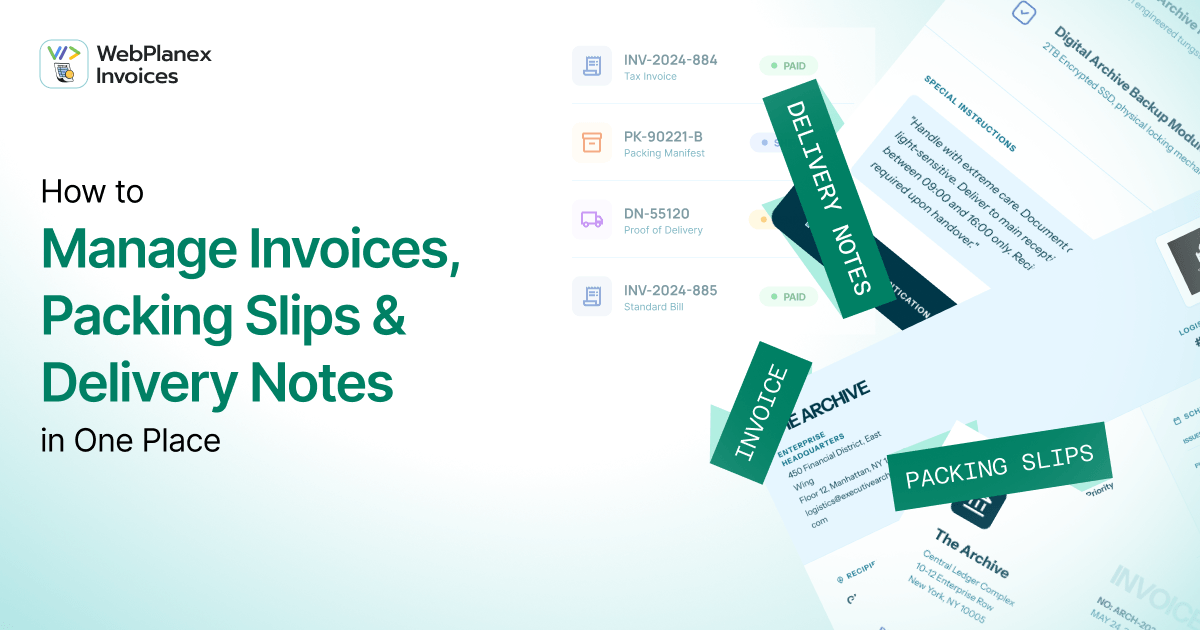
Invoices and Packing Slips for WooCommerce really takes the work out of paperwork. It links directly to your WooCommerce orders, so every time something comes in or changes, the right document jumps in, no extra steps needed from you.
Here’s what you can expect: the moment someone places an order, their invoice gets made and sent off with their confirmation email automatically. When your team is ready to pack things up, the packing slip’s already good to go, listing everything, item names, quantities, SKUs, even those custom fields you set up. And when you ship the order, the delivery note matches exactly what’s going out, with shipping details directly from the original order. It’s all smooth and saves you a ton of time.
No manual exports. No copy-pasting addresses. No hunting through order screens to find what was actually shipped.
Customize Invoices, Packing Slips and Delivery Notes
One of the more underrated aspects of document management is how much your paperwork reflects your brand. A generic, unstyled invoice looks like an invoice from a template. A properly branded one, with your logo, your store colors, your return policy footer, your tax registration number, looks like it came from a real business that pays attention to details.
WebPlanex Invoices lets store owners customize every document, right down to the details. You can decide exactly how invoices, packing slips, and delivery notes look, and you can set up different templates for each one. You can also add custom fields. Drop in PO numbers, customer VAT IDs, internal order references, whatever matters to your business or your customers, and you can create custom invoice packing slip templates for your woocommerce store.
For stores that serve business customers, this matters a lot. A B2B buyer receiving an invoice with their VAT number correctly populated and your company's tax ID clearly displayed is a buyer who doesn't have to follow up with your support team before they can file their own paperwork.
Automation: The Part That Actually Saves You Time
The biggest time-saver isn't the customization, it's the automation.
Once you've set up your document templates and rules, the system runs on its own. Invoices attach to emails automatically. Packing slips queue up for printing as orders come in. Delivery notes are ready when fulfillment starts. You can configure which documents attach to which email types, at which order status, and for which customer groups.
This means your team isn't making judgment calls about which document goes where. You must wonder what is right for your store, an automated or a manual invoice? Here’s the thing: once the rules are set, the system follows to them. That steady reliability keeps you from those embarrassing moments, like accidentally sending the wrong invoice, which quietly harm customer trust. If you’re running a store that handles hundreds of orders each week, automation isn’t optional. It’s what lets your operation grow without falling apart when things get busy.
A Few Practical Tips for Getting Set Up Right
Switching from a manual setup or another plugin? Start off on the right foot. Set your tax and legal info, business name, address, tax number, all those details, once and do it properly. Make sure your invoice templates grab the right info automatically, and always double-check with your accountant or local requirements to be sure you’re legal. Stick to clear naming conventions on everything. Connect invoice numbers, packing slips, and delivery note IDs to your order numbers so there’s no confusion. That way, you can always trace any document straight back to the original order.
Test across order types before going live. Variable products, bundled items, orders with multiple shipping addresses, run a few test orders through each scenario and confirm the documents come out correctly. It's much easier to fix a template issue before real customers are involved.
One last thing, don’t forget to review your email attachment settings. Not every document needs to make its way to the customer. Take delivery notes, for example; they probably need to go to your warehouse or fulfillment partner instead. Adjust your attachment rules so they fit how you actually work.
The Bigger Picture
Document management isn't the most exciting part of running an e-commerce store. No one opens an online store because they love paperwork. But the shops that get these details right, the right documents, sent at the right time, complete with branding and all the correct info, always stand out. In e-commerce, every moment matters. Whether it’s opening a shipping box, reading a confirmation email, or saving an invoice for the accountant, every touchpoint is a shot at building customer trust, or losing it, sometimes without realizing.
Automating and organizing those invoices and slips isn’t just about saving yourself busywork. It tells your customers you care about every order and every step in their experience. That reliability? Customers notice. And that’s what keeps them coming back. This is how you show people exactly what kind of store you want to be.
Managing WooCommerce documents doesn't have to be a manual process. The PDF Invoices and Packing Slips for WooCommerce plugin and WebPlanex Invoices give store owners the tools to automate, customize, and centralize every document tied to every order, so the paperwork takes care of itself. Contact us for more guidance.