
Invoicing looks simple until your WordPress site really starts to grow. Orders pile up, your customer list gets longer, and suddenly, dealing with invoices by hand just drags you down. You make mistakes. Everything takes longer. At that point, an invoice plugin isn’t just a nice bonus. You actually need it, especially with 2026 on the horizon.
A good invoice plugin does way more than just churn out PDFs. It automates billing, keeps your records organized, handles taxes, and helps your business look polished. We’re diving into the most popular WooCommerce invoice plugins and seeing which ones actually make sense for different kinds of businesses.
Why Bother with a Dedicated Invoice Plugin?
Why bother with a dedicated invoice plugin? If you’re still making invoices by hand or just sending basic order emails, you’re wasting time on billing, way more than you need to.
A proper invoice plugin helps you:
- Automatically generate invoices for orders
- Maintain consistent invoice numbering
- Apply taxes correctly
- Send professional, branded invoices to customers
- Keep all billing records in one place
Key Features to Look for in 2026
Before you choose a plugin, think about what really sets apart a normal tool from one that’s built for the long haul.
Automation
No matter if it’s orders or payments setting things off, the time you save really stacks up. You cut out hours of work every month and dodge all those annoying mistakes that come with doing things by hand.
Customization
Your invoices don’t have to look like everyone else’s. Make them your own by adding your logo, picking your colors, and putting in your business details.
Tax & Compliance Support
If your business deals with GST, VAT, or regional tax rules, this isn’t optional. Proper tax handling is critical.
PDF & Email Delivery
Invoices should be downloadable as PDFs and sent automatically to customers via email.
Reporting & Record Keeping
Finding old invoices, seeing totals, and checking tax info gets way easier. Accounting and audits don’t feel like such a headache anymore.
Best WooCommerce Invoice Plugins for 2026
Here’s a closer look at some of the most popular and trusted invoice plugins available today.
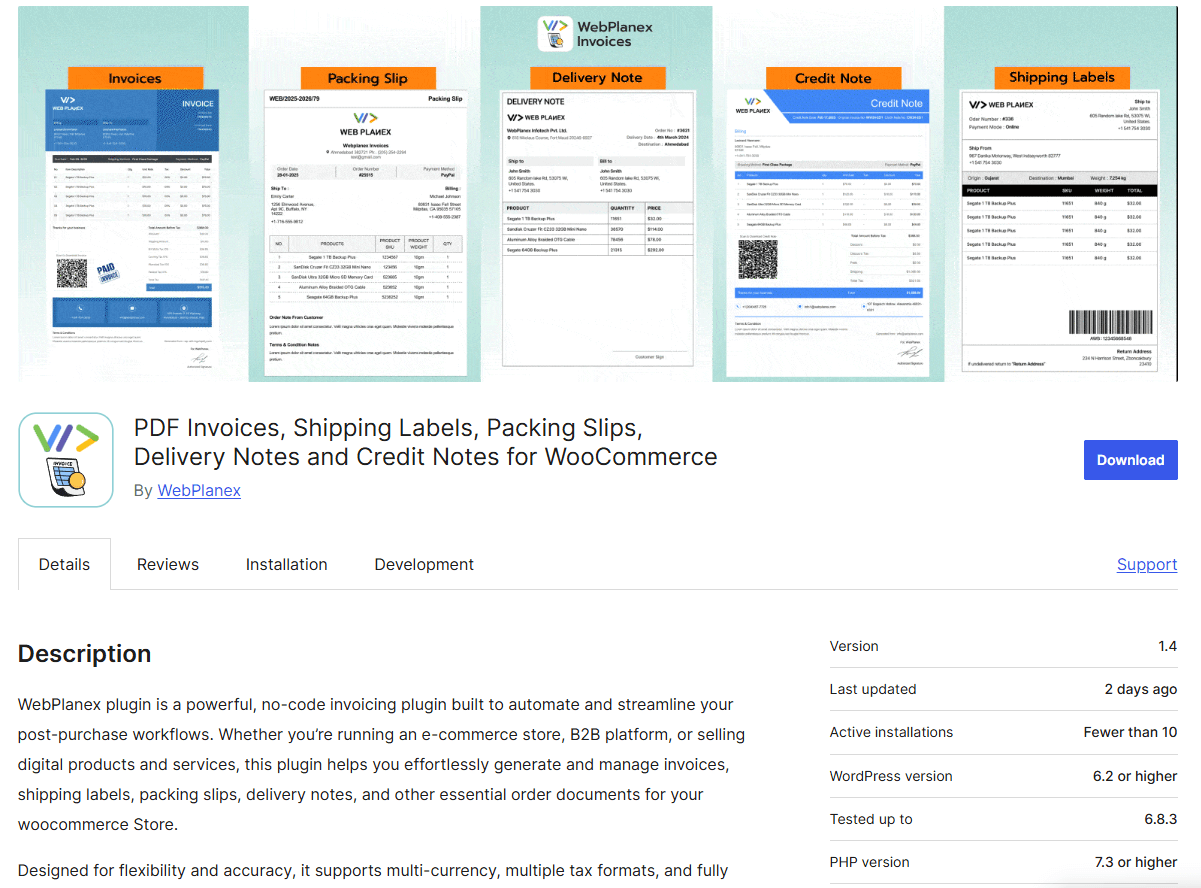
Best for: Growing businesses that need automation, easy compliance, and some flexibility.
Key Features:
- Automatic invoice generation
- Custom invoice templates
- Tax and compliance support
- PDF invoices with email delivery
- Centralized invoice management
Why it stands out:
This plugin isn’t just for basic invoicing. It’s made for businesses that want more—something easy to use, but still packed with advanced features. Freelancers, agencies, growing eCommerce shops—they’ll all find it fits right in as they scale up.
2. WooCommerce PDF Invoices & Packing Slips (by WP Overnight)
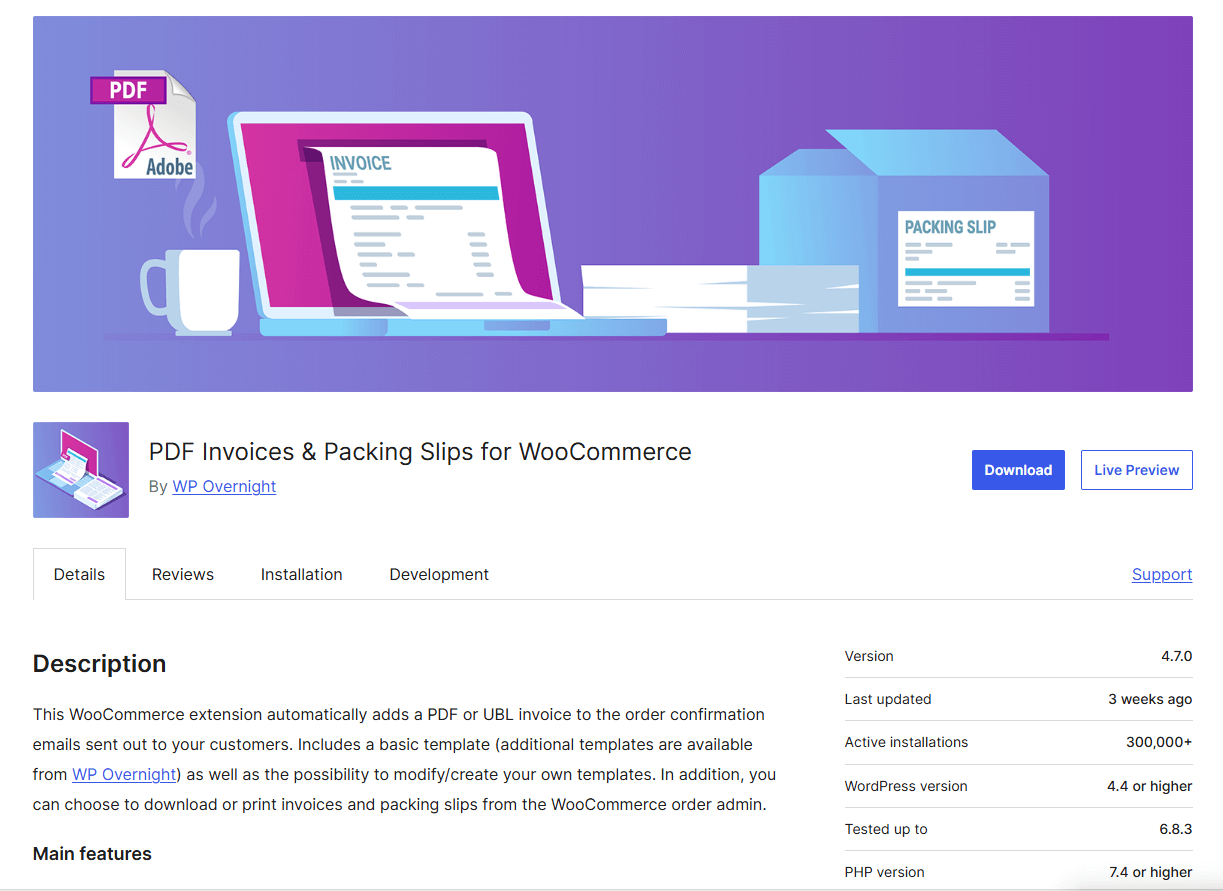
Best for: WooCommerce store owners.
Key Features:
- Automatic invoice and packing slip creation
- Integration with WooCommerce orders
- Customizable invoice templates
- Bulk invoice generation
Why it works well:
This plugin is widely used and reliable for WooCommerce users. Best if invoicing is closely linked to order fulfillment and shipping.
Limitations:
Advanced customization and features may require the premium version.
3. Sprout Invoices
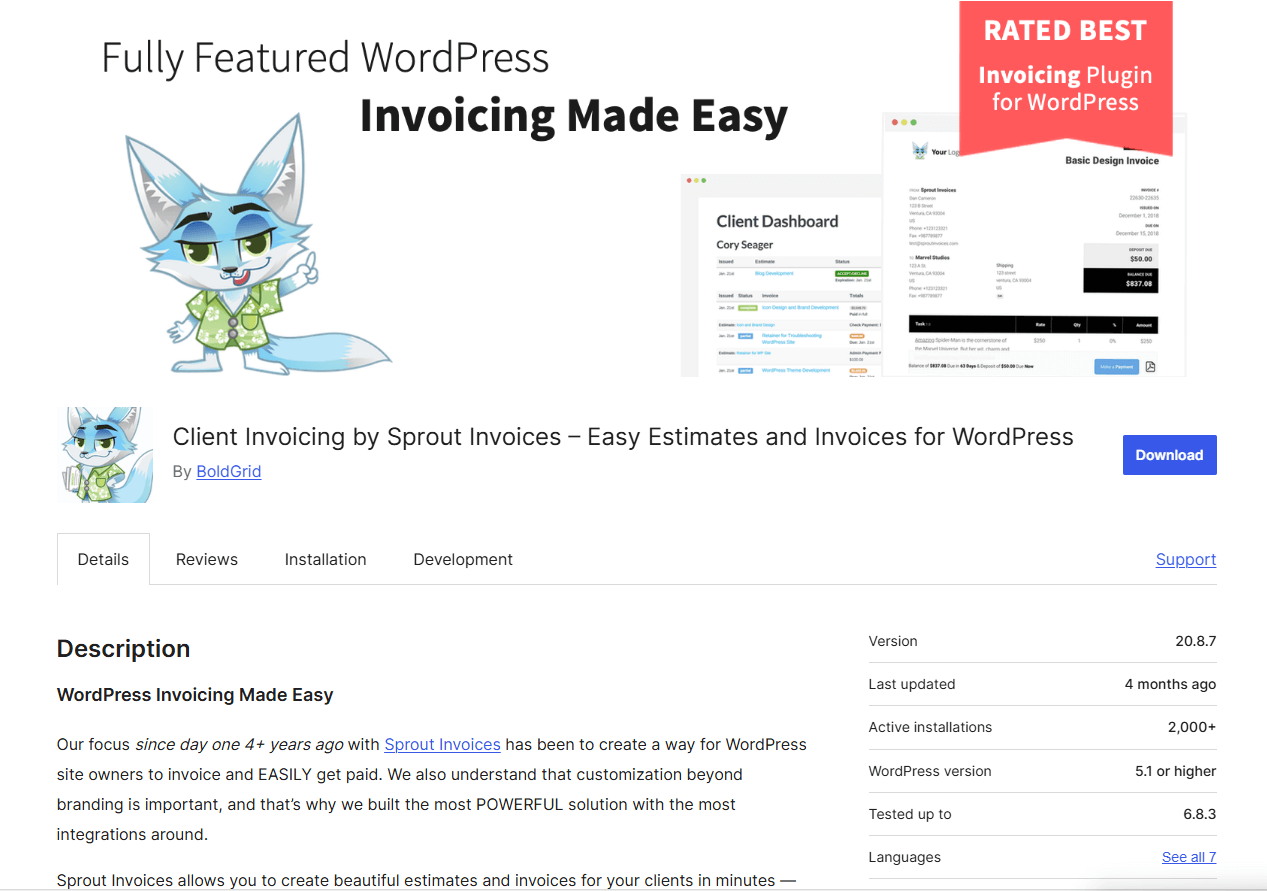
Best for: Freelancers and service-based businesses.
Key Features:
- Quote and invoice creation
- Client management
- Online payment integration
- Custom invoice workflows
Why it works well:
Sprout Invoices is best for service-centered scenarios where proposals, estimates, and invoices are connected.
Limitations:
Not optimized enough for high-volume eCommerce invoicing.
4. Sliced Invoices
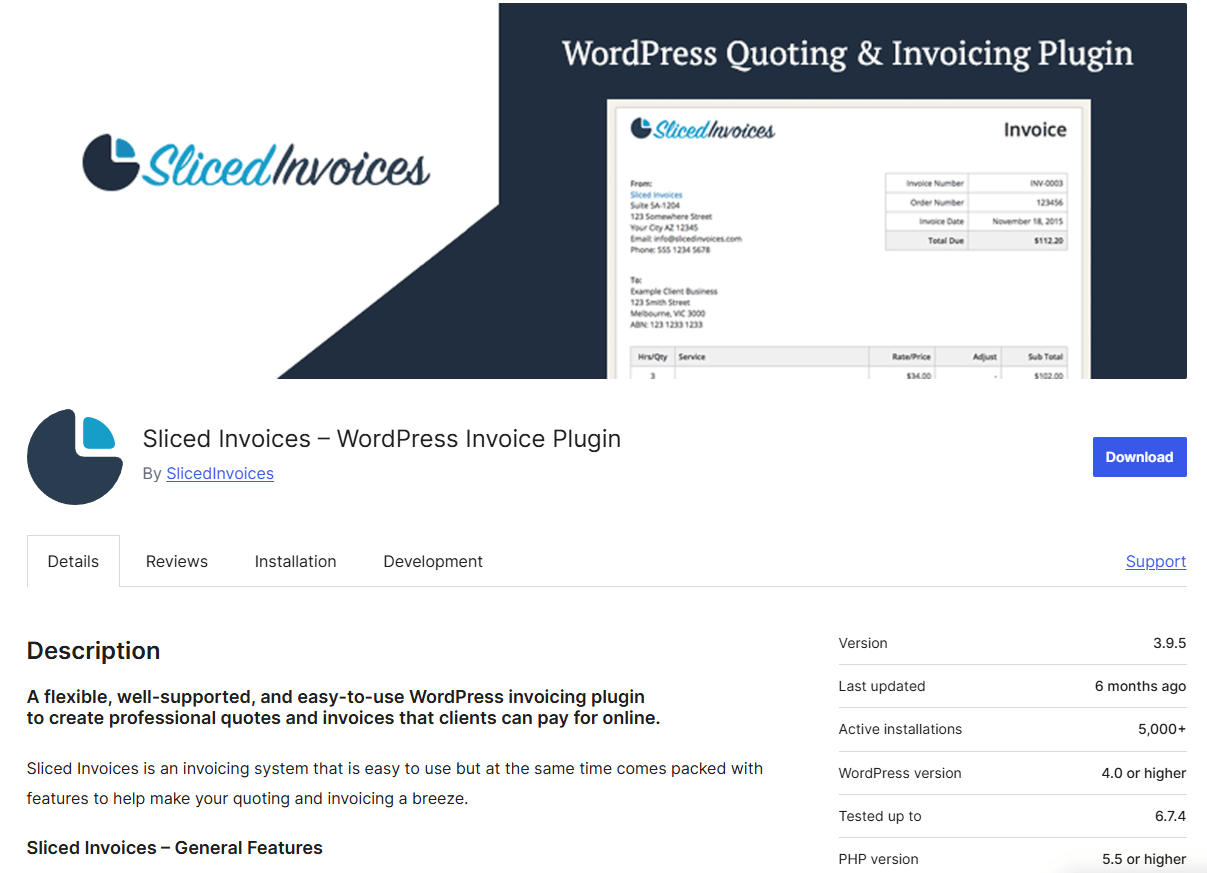
Best for: Small businesses needing simple invoicing.
Key Features:
- Manual and automated invoices
- Estimates and quotes
- Custom invoice templates
- Payment gateway integrations
Why it works well:
It’s straightforward, flexible, and well-suited for businesses that don’t need complex tax logic.
Limitations:
Advanced reporting and compliance features are limited.
5. WebToffee WooCommerce PDF Invoices
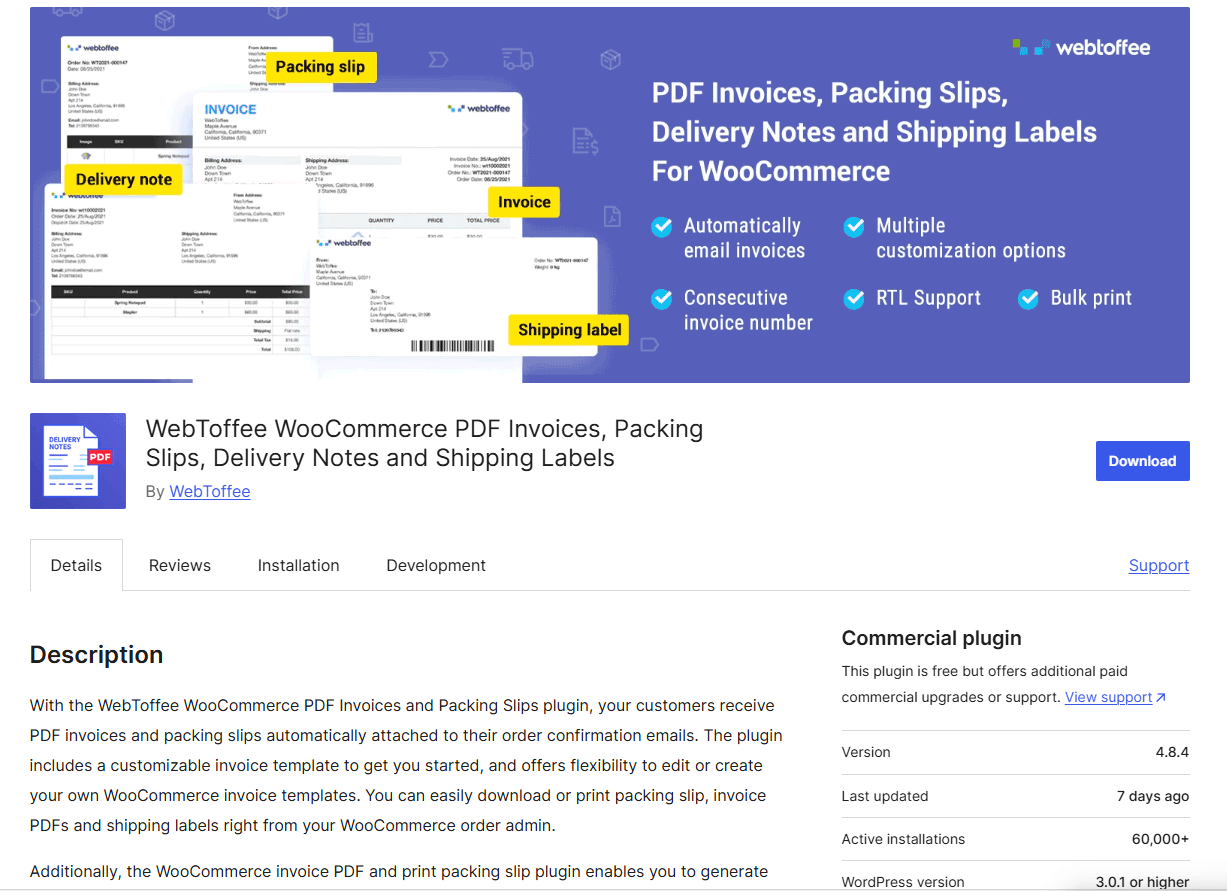
Best for: Stores with complex invoicing requirements.
Key Features:
- Multiple invoice types
- Advanced tax handling
- Sequential invoice numbering
- Credit notes and refunds
Why it works well:
This plugin is built for stores with higher order volumes or stricter accounting needs.
Limitations:
Setup can feel complex for beginners.
Feature Comparison at a Glance
| Feature |
WebPlanex |
WP Overnight |
Sprout Invoices |
Sliced Invoices |
WebToffee Invoices |
| Automated Invoices |
✔️ |
✔️ |
✔️ |
✔️ |
✔️ |
| Custom Branding |
✔️ |
✔️ |
✔️ |
✔️ |
✔️ |
| Tax & Compliance |
✔️ |
⚠️ |
⚠️ |
⚠️ |
✔️ |
| WooCommerce Focus |
✔️ |
✔️ |
❌ |
❌ |
✔️ |
| Reporting |
✔️ |
⚠️ |
✔️ |
⚠️ |
✔️ |
✔️ Strong support • ⚠️ Basic support • ❌ Not designed for it
Which Plugin Should You Choose?
- Looking for something balanced and ready for whatever’s next? Go with WebPlanex Invoice Plugin.
- Running a WooCommerce store? Check out WP Overnight or WooCommerce PDF Invoices Professional.
- Freelancers and consultants usually find Sprout Invoices fits just right.
- If you just want something simple, Sliced Invoices keeps things easy.
Blogs You might find helpful:
Final Thoughts
In 2026, invoicing isn’t just about firing off bills anymore. It’s about getting smarter with automation, keeping up with all those compliance rules, and making your business look good every single time. WordPress has a ton of invoice plugins out there, but picking the right one actually makes a difference. The right plugin changes everything. Figure out what you really need, check out what each plugin has to offer, and choose something strong, something you won’t want to leave after a few months.